50 years in the tyre industry 

Get started

We’ve gathered everything you need to get off to a great start with the new webshop on this page. Here, you’ll find answers to the most frequently asked questions, help with login and user management, as well as a preview of some of the new features designed to make your purchasing experience easier.

You can find even more help in our help center.

Login and account

We have tried to gather the questions that are typically asked during the transition from the old webshop to the new one here.

It’s my first time logging in – what do I do?

If this is your first time logging in, you should have received an invitation email. Simply follow these steps:

  1. Click “Accept invitation” in the invitation email.

  2. Choose a password and confirm it.

  3. Log in using your email address and the password you selected.

You’re now ready to start shopping.

I have not received an invitation?

If you have not received an invitation email, you have the following options:

  • Check your spam folder. Occasionally, invitation emails may end up there, although we do everything we can to prevent this.

  • Do you have colleagues/employees on the new webshop? Reach out to one of them, as an administrator can resend the invitation.

  • Contact NDI to have the invitation resent. Call +45 76 15 10 50.

Why can’t I use my login from the old webshop?

In our new webshop, your login is linked to your email address rather than a username.

It is not possible to transfer users from the old webshop. They must be invited again using separate email addresses.

We had multiple users on the old webshop?

With the role of Administrator, it is possible to invite colleagues and employees as users on the webshop so they can access NDI’s webshop.

The first user invited to the new webshop will always be assigned the role of Administrator.

Go to My Account > Users to invite employees/colleagues, change roles, or remove access.

It is not possible to transfer users from the old webshop. They must be invited again using separate email addresses. 

How do I invite users?

Go to My Account > Users and click the “Invite” button.

I have invited a user – what happens next?

The user will receive an invitation email. This email contains instructions on how to get started on the webshop.

Simply follow these steps:

  • Click “Accept invitation” in the invitation email.

  • Choose a password and confirm it.

  • Log in using your email address and the selected password.

I’ve forgotten my password – what do I do now?

Have you forgotten your password or do you simply need to reset it?

  1. Click “Log in” in the top right corner.
  2. Enter the email address you want to reset the password for and click “Next.”
  3. Select “Reset password.”
  4. You will now receive a one-time code in your inbox, which you need to enter. Click “Next.”
  5. Then enter a new password. Finish by clicking “Reset password,” and you will then be logged in.

New search function

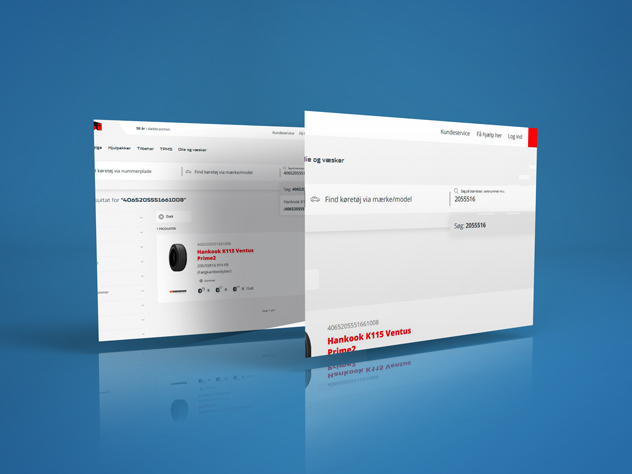
Search faster and across the entire product range. Search directly by tyre or rim size, item numbers, and much more.

Staggered fitment rims

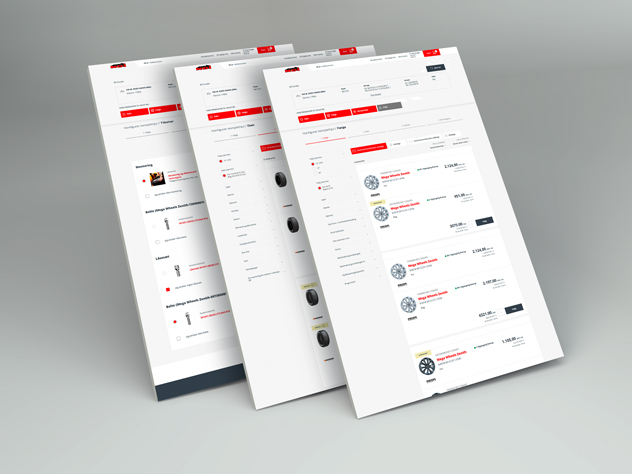
You can now order staggered fitment rims directly online. Based on vehicle data, we match tyres and rims if the car is factory-fitted with different sizes on the front and rear axles.

Customer-specific prices

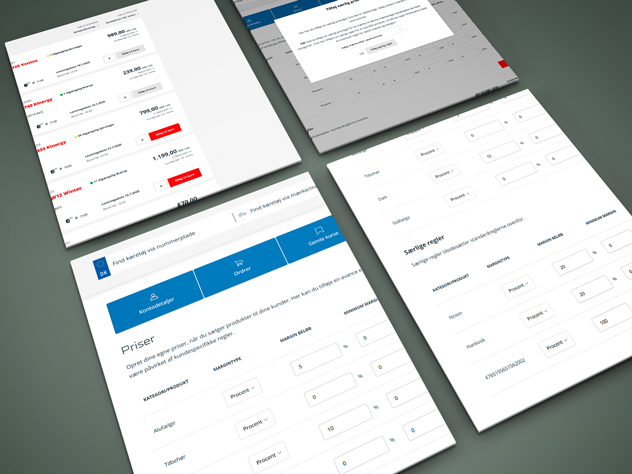
Adjust your margin and use customer-specific prices if you do not wish to display net or gross prices.

Customer prices are managed via My Account > Customer prices

Saved baskets

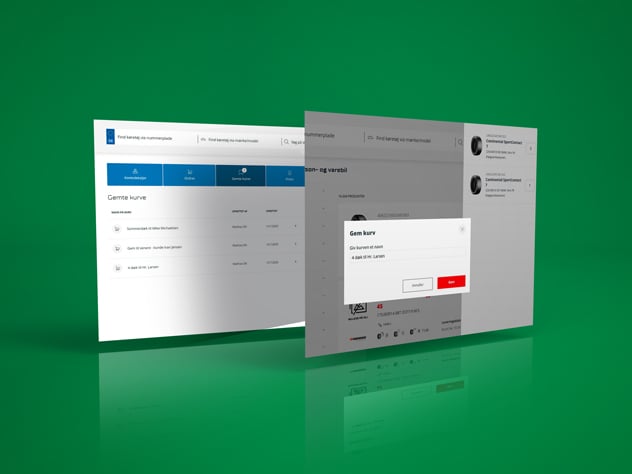
Save and reuse shopping carts – perfect for recurring orders.

You can save a cart directly from the cart or checkout, and access your saved carts via My Account > Saved carts.

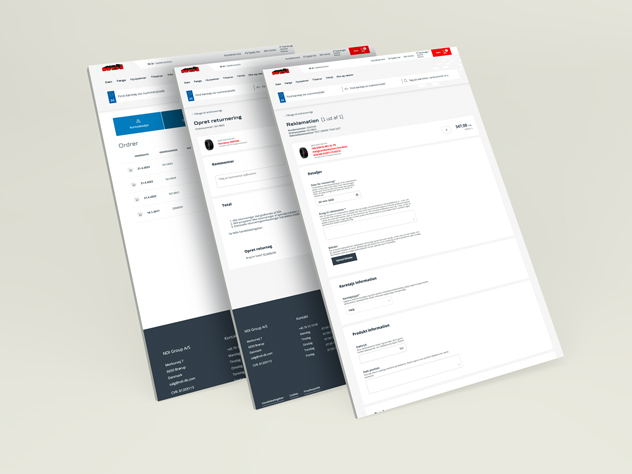
Create returns and claims

Create return and claim cases directly from your order history and easily report errors or issues.

You can create return orders and claims directly from an order via the order overview found under My Account > Orders.

Get to know the new features better through our help center, which we continuously update with relevant instructional videos.

Why we are switching to a new webshop

We have reinvented our webshop to make it even easier and faster for you to order tyres, rims, and accessories. With a new and more efficient system, you gain access to tools that make your workday simpler and more manageable.

✔ A better and faster ordering process – save time in your daily work
✔ Ready for the future – the new platform supports our digital strategy
✔ More functionality – greater overview and smarter tools


Are you experiencing issues, errors, or missing features?

In the bottom right corner, you will find the “Feedback” button. If you open it, submit your feedback, and allow a screenshot of your screen, we will immediately begin troubleshooting any issues. We also gladly receive positive feedback and suggestions for improvement.

Do you have an urgent matter? Call us at +45 76 15 10 50 and we are ready to help, as always. However, we would greatly appreciate it if you try to find the answer in our help center before calling.